
Logging in to your SSS account should be quick. But sometimes the page is slow, or you forget your password. Don’t worry. This guide shows you how to log in, step by step. You’ll also learn how to fix common login problems.
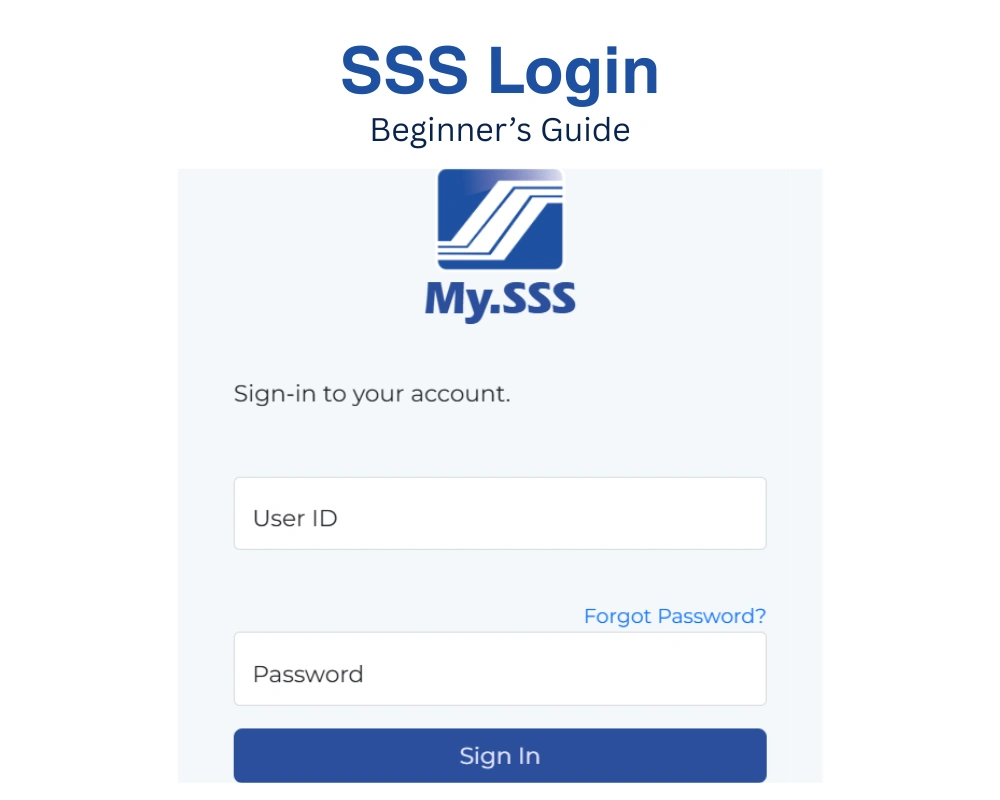
What Is the My.SSS Portal?
My.SSS is the official online portal of the Social Security System. You can use it to manage your account from home. No need to line up at a branch.
You can check your contributions, apply for loans, and file claims. All you need is a phone or computer.
What You Need Before You Log In
Prepare these first:
- Your registered My.SSS account
- Your User ID and password
- A working email address
- Your registered mobile number
- A stable internet connection
With these ready, logging in takes only a minute.
Don’t Have an Account Yet?
You need to register first. It’s free and easy. Read our full guide on SSS Online Registration.
Once your account is active, come back here and log in.
That’s it. You’re now inside your dashboard.
Tip: Always type your login details carefully. Too many wrong attempts can lock your account.
How to Log In to SSS Online (Step by Step)
Logging in to My.SSS only takes a few minutes. Follow these steps.
Step 1: Open the official SSS website
Use your phone or computer. Type the official SSS website address in your browser. Avoid clicking links from texts or emails.

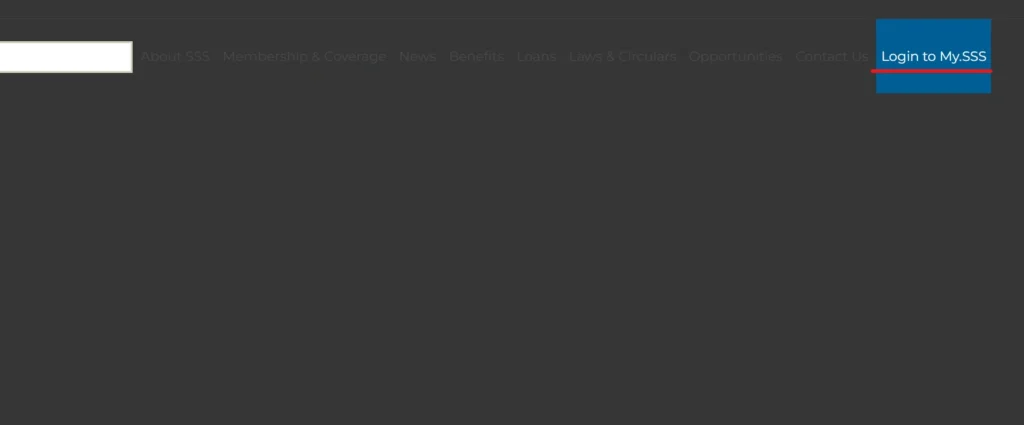
Step 2: Click “Login to My.SSS”
You’ll find this on the homepage. It takes you to the login page.
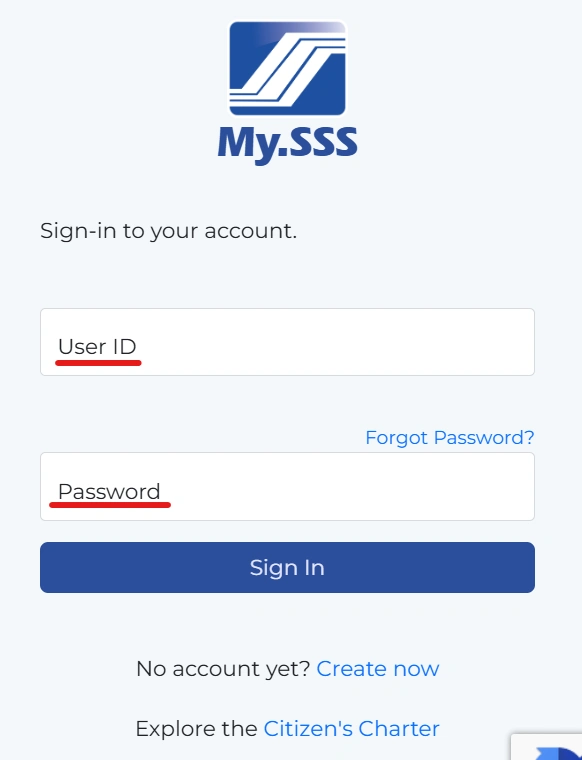
Step 3: Enter your User ID
Type the User ID you created during registration. Check your spelling. Letters and numbers must match exactly.
Step 4: Enter your password
Type your password carefully. Make sure Caps Lock is off. Too many wrong attempts can lock your account.
Step 5: Complete the verification
You may be asked to verify your identity. This could be a one-time code sent to your registered mobile number. Enter the code on the screen.
Step 6: Click “Submit”
Wait a few seconds. You’ll be taken to your My.SSS dashboard.
You’re in. From here, you can check your contributions, apply for loans, and more.
How to Log In Using the SSS Mobile App
You can also use the official MySSS mobile app.
- Download the app from Google Play or the App Store.
- Open the app.
- Enter your User ID and password.
- Tap Log In.
Use your existing My.SSS account. You don’t need to create a new one.
What You Can Do After Logging In
Once you’re in, you can:
- View your contribution records
- Apply for loans
- File benefit claims
- Update your personal information
- Generate a payment reference number (PRN)
Need to visit a branch for something else? Book a slot using our SSS Online Appointment guide.
Common SSS Login Problems and Fixes
Don’t panic if you can’t log in. Most problems are easy to fix.
- Invalid User ID or password: Check for typos. Make sure Caps Lock is off.
- Account locked: This can happen after five wrong attempts. Reset your password to get back in.
- No verification code: Check your spam folder. Make sure your mobile number is correct.
- Page not loading: Try another browser. Clear your cache.
- Website slow or down: Wait a few minutes and try again.
Small mistakes happen to everyone. What matters is knowing how to fix them.
How to Reset Your SSS Password or Recover Your User ID
Forgot your login details? Here’s what to do:
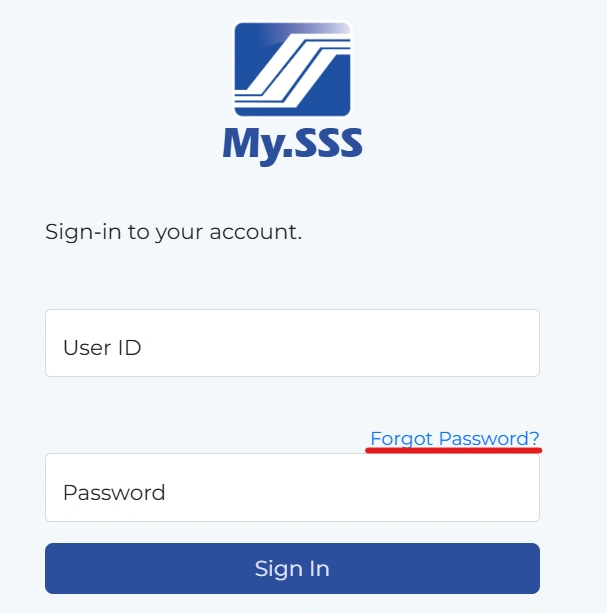
- Go to the My.SSS login page.
- Click Forgot Password.
- Choose Member
- Enter your SS number or CRN.
- Verify your identity. You may get a code on your registered mobile number, or you may answer security questions.
- Create a new password.
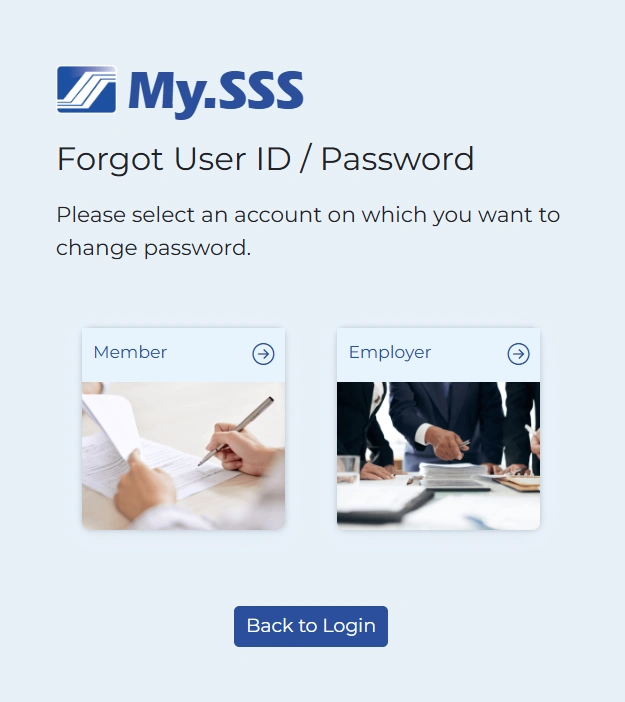
Your new password must be different from your User ID.
You can also do this in the mobile app. Tap Forgot Password on the login screen.
Tips to Keep Your SSS Account Secure
Your SSS account holds personal information. Keep it safe.
- Use a strong, unique password
- Never share your password or verification codes
- Avoid logging in on public Wi-Fi
- Log out when you’re done
- Keep your email and mobile number updated
- Use only the official SSS website and app
Beware of fake links in emails and text messages. Never share your password with anyone, even if they say they’re from SSS.
FAQs
Is SSS login free?
Yes. Logging in to My.SSS is free.
Can I log in without registering?
No. You need a My.SSS account first.
Can I log in using my phone?
Yes. Use the website or the MySSS app.
What if I forgot my User ID?
Use the Forgot User ID or Password option. You’ll need your SS number or CRN.
Why is my account locked?
Too many wrong login attempts can cause this. Reset your password to unlock it.
Can I have more than one account?
No. One SS number is linked to one My.SSS account.
Conclusion
Logging in to SSS online is simple once you know the steps. With your My.SSS account, you can check contributions, apply for loans, and file claims from home. Keep your login details safe. If you run into problems, use the fixes above.